

A PSN activated account is an important requirement for certain jailbreaks. For example, the Star Wars Racer Revenge jailbreak requires a PSN activated account to import a save game which contains the exploit code. Follow this short blog post or take a look at our video to check if your PS5 has a PSN activated account.
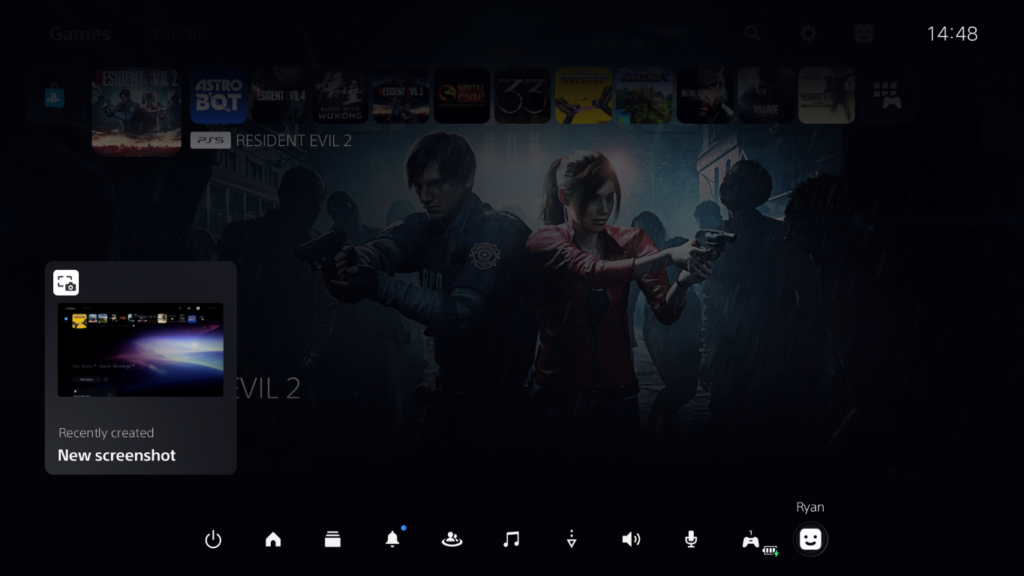
From the PlayStation 5 dashboard, press the PS button on your controller to bring up the Control Center and choose the user avatar icon.
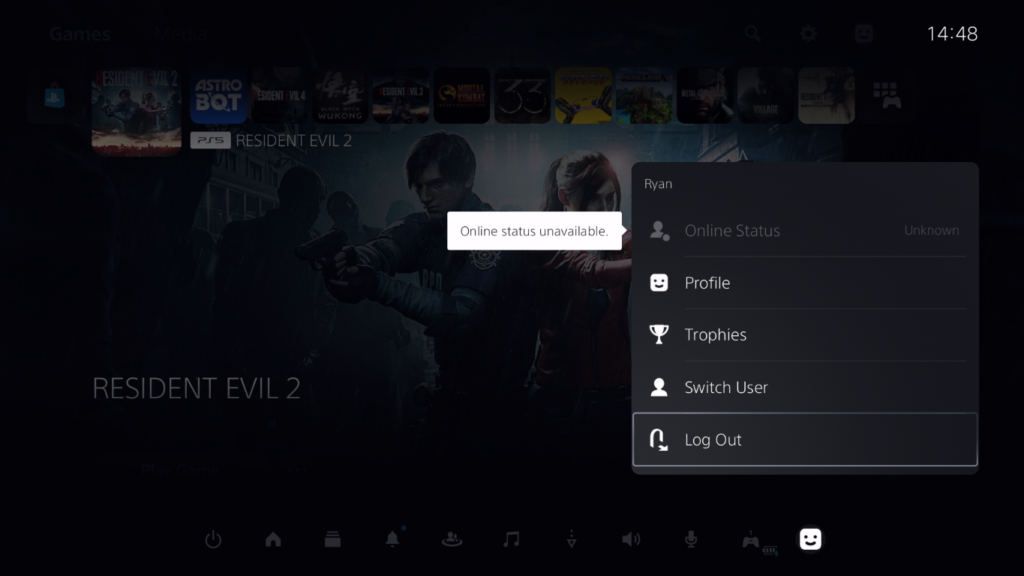
Next, choose Log Out.

At the welcome screen, highlight any user and press the options button on your controller.

A menu should appear to toggle the online status for this user account, this means this account has been PSN activated in the past. If you don’t the options menu or online status toggle it means this is a regular offline account.
In this blog post I demonstrated how you can check for a PSN activated account on your PS5, which is an important requirement for some jailbreak methods. Check out our PS5 Jailbreaking Service if you’d like to find out more.