
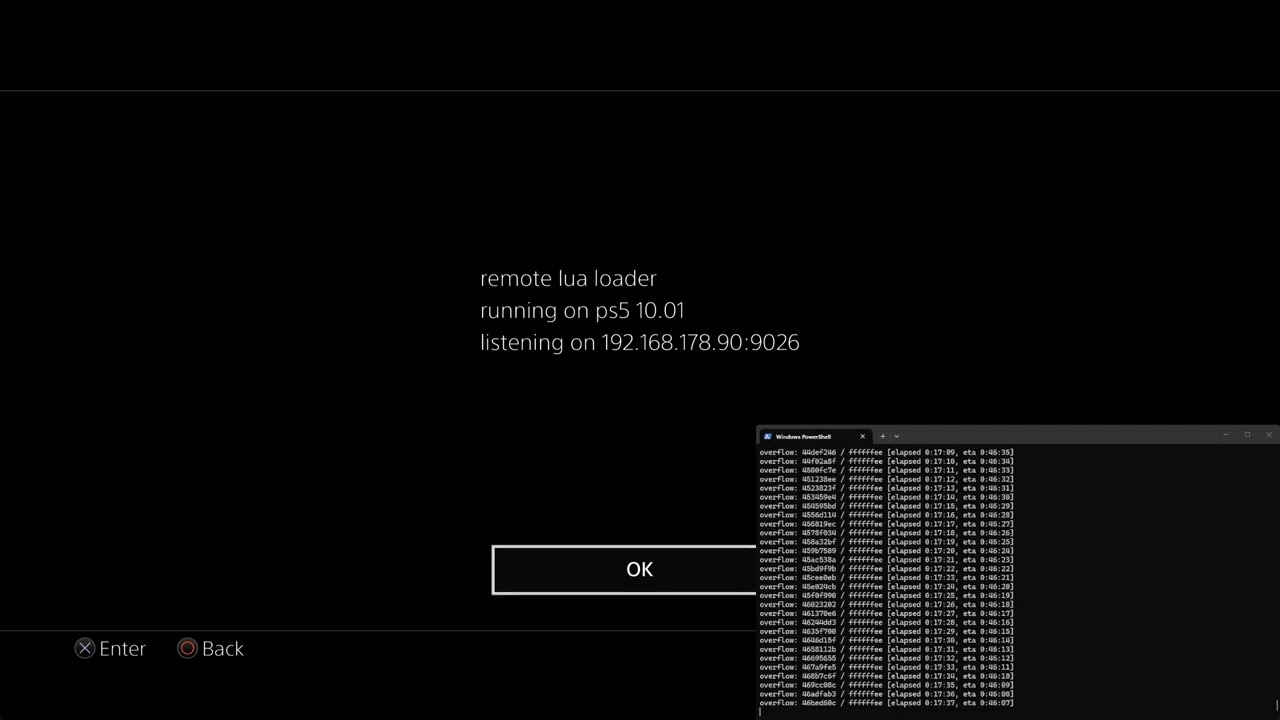
In this video I demonstrate jailbreaking the PS5 with a Japanese game called Raspberry Cube, remote lua loader and P2JB.
In this video I demonstrate jailbreaking the PS5 with a Japanese game called Raspberry Cube, remote lua loader and P2JB.
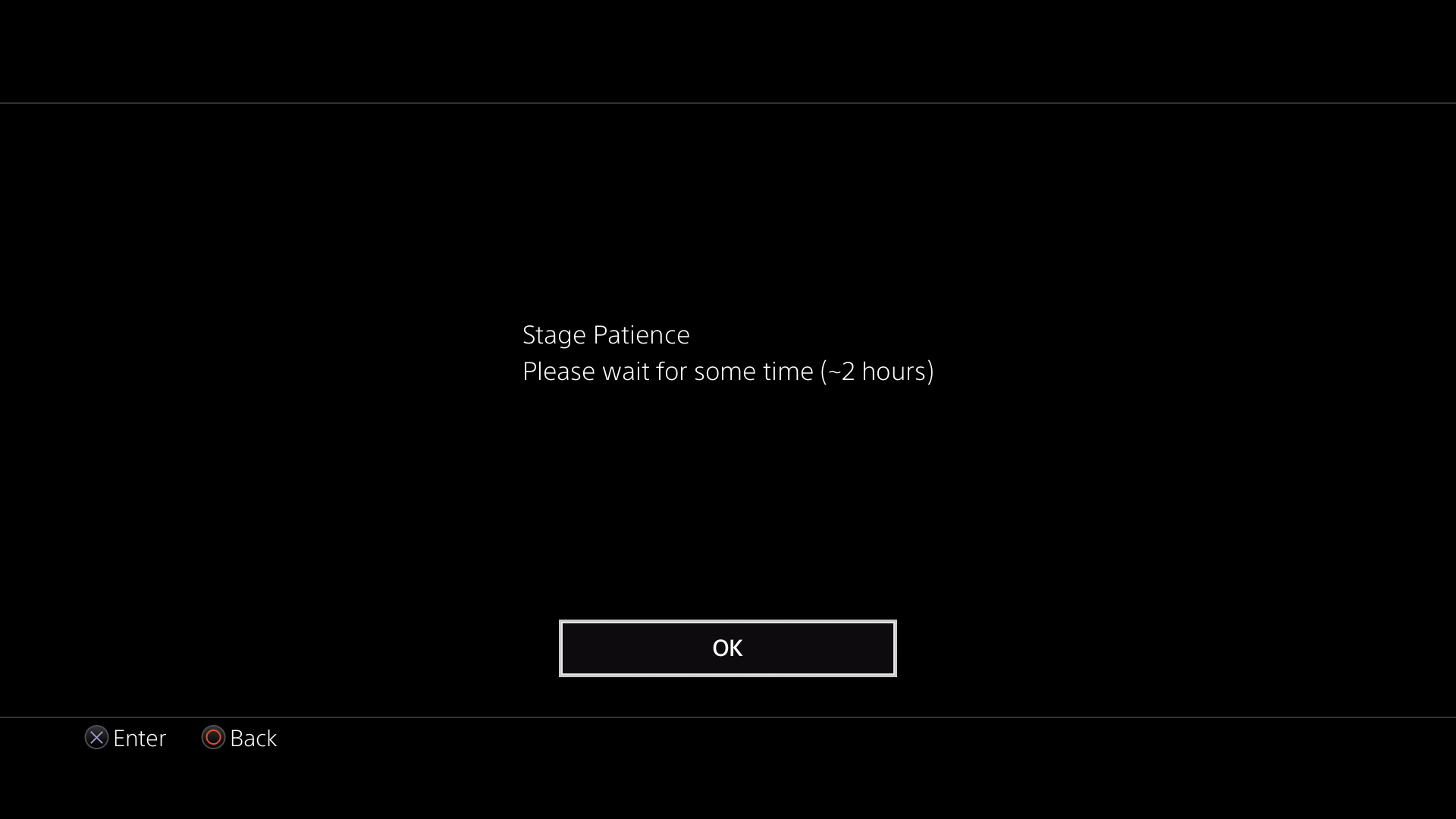
In this video I demonstrate jailbreaking the PS5 with P2JB and Luac0re 2.2d. This is the latest jailbreak which supports system software up to 12.70. This is a bruteforce exploit created by Gezine which can take up to 2 hours to fully jailbreak the PS5 and is not always successful. However, after the initial jailbreak it is possible to send the bdj_unpatch.elf payload to unpatch the blu-ray stack and then use our PS5 Jailbreak Disc for a much faster jailbreak.
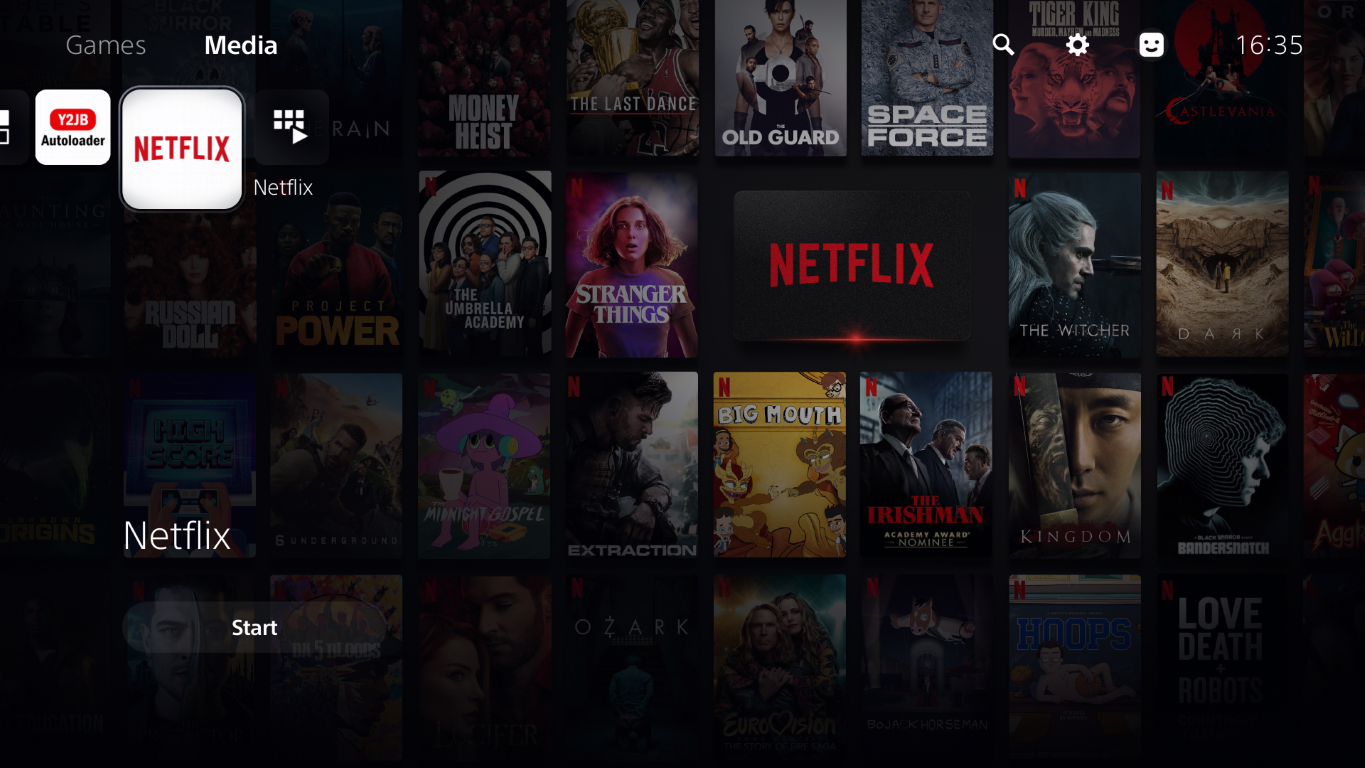
In this video I demonstrate the Netflix-N-Hack jailbreak which replaces the Netflix app and relies on a local or remote proxy server to run the exploit code. This jailbreak is compatible with PS5s running system software 10.01 or lower.
Check out our PS5 Jailbreaking Service if you are interested in jailbreaking your PS5.
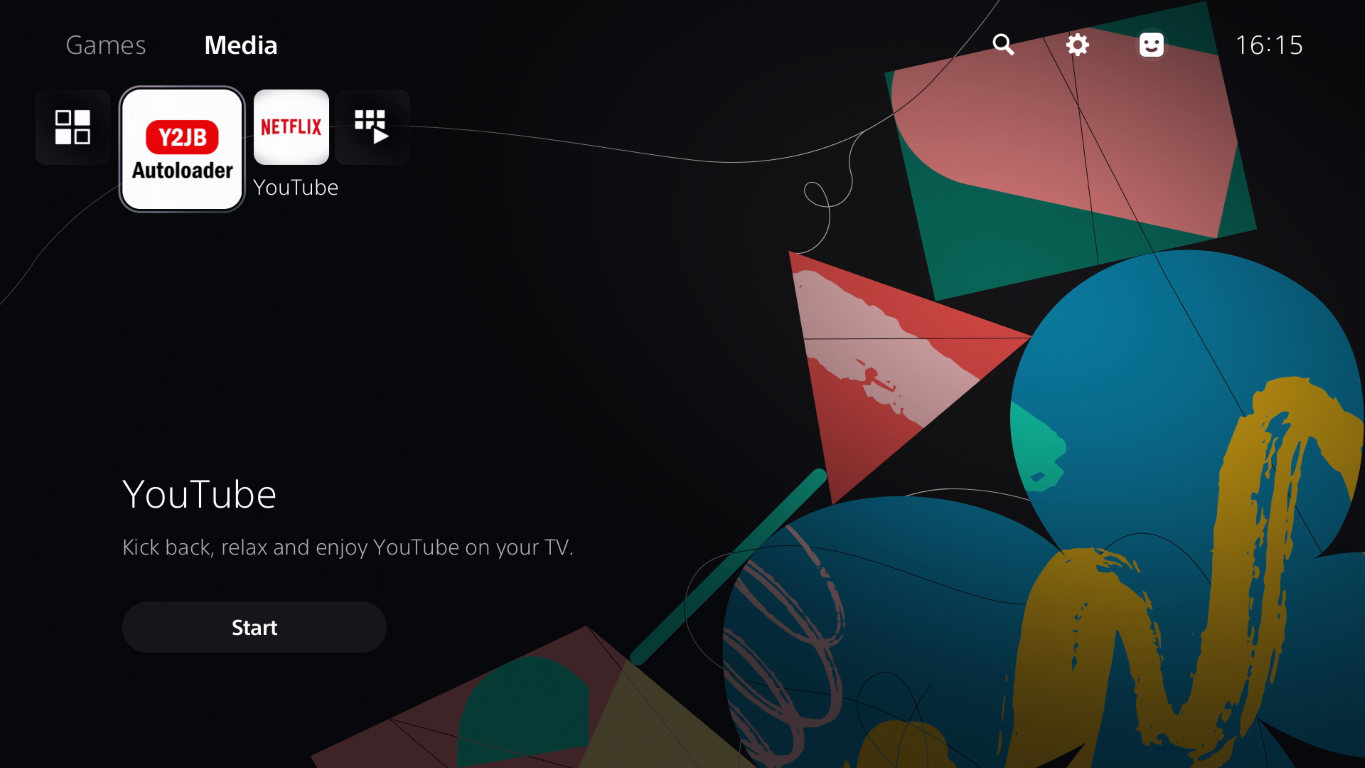
In this video I demonstrate the YTJB jailbreak which replaces the YouTube app and runs the exploit when the app is launched. This jailbreak is compatible with PS5s running system software 10.01 or lower.
Check out our PS5 Jailbreaking Service if you are interested in jailbreaking your PS5.

In this video I demonstrate the Luac0re Star Wars Racer Revenge jailbreak, which is compatible with PS5s with disc drives on system software up to 12.00.
Check out our PS5 Jailbreaking Service if you are interested in jailbreaking your PS5.
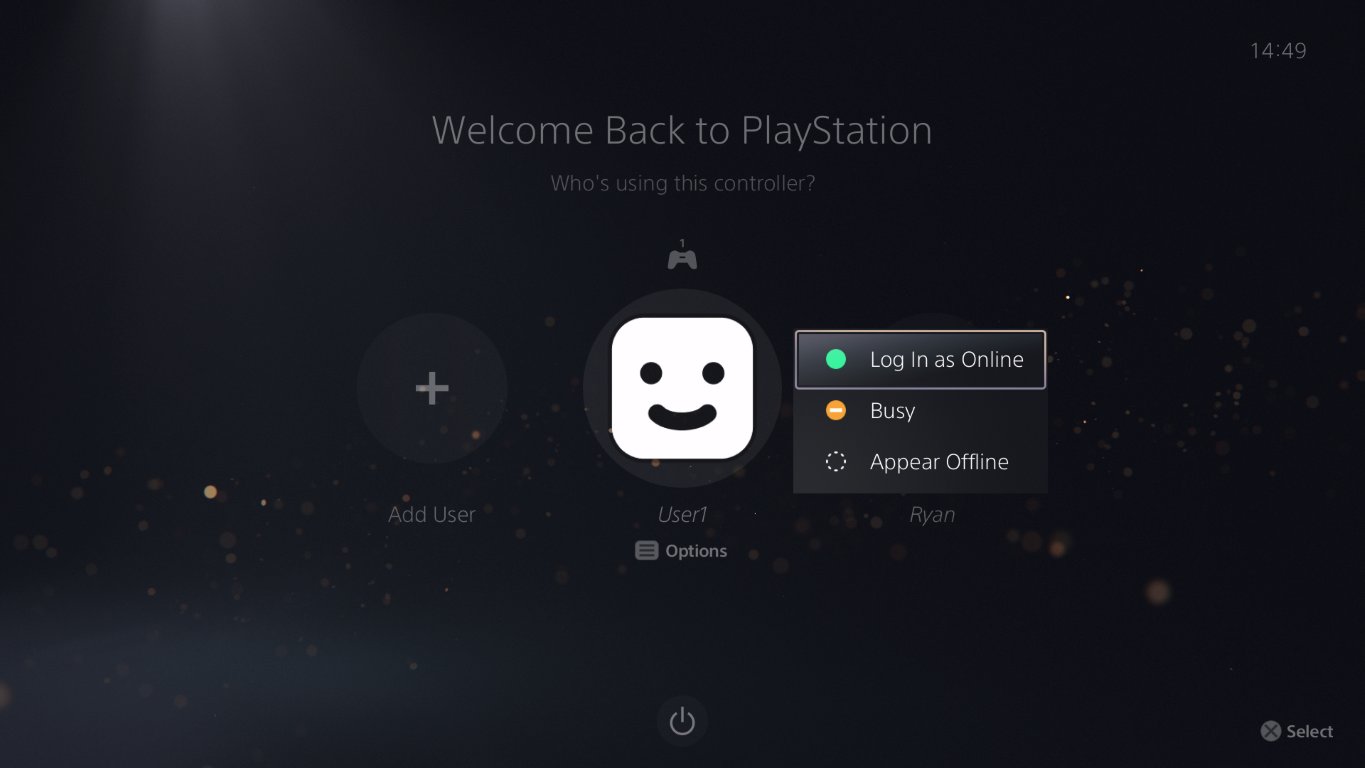
A PSN activated account is an important requirement for certain jailbreaks. For example, the Star Wars Racer Revenge jailbreak requires a PSN activated account to import a save game which contains the exploit code. Follow this short blog post or take a look at our video to check if your PS5 has a PSN activated account.
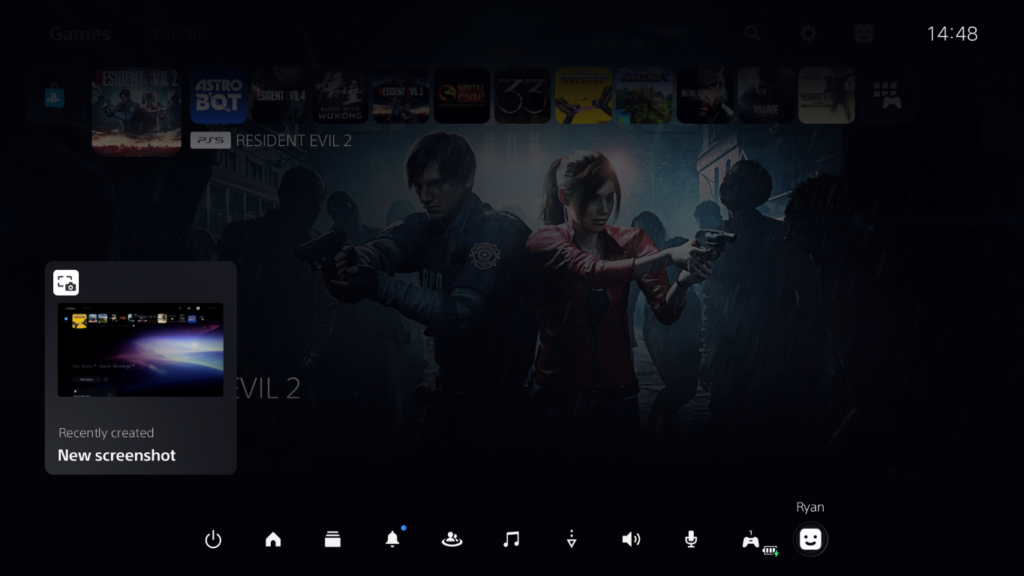
From the PlayStation 5 dashboard, press the PS button on your controller to bring up the Control Center and choose the user avatar icon.
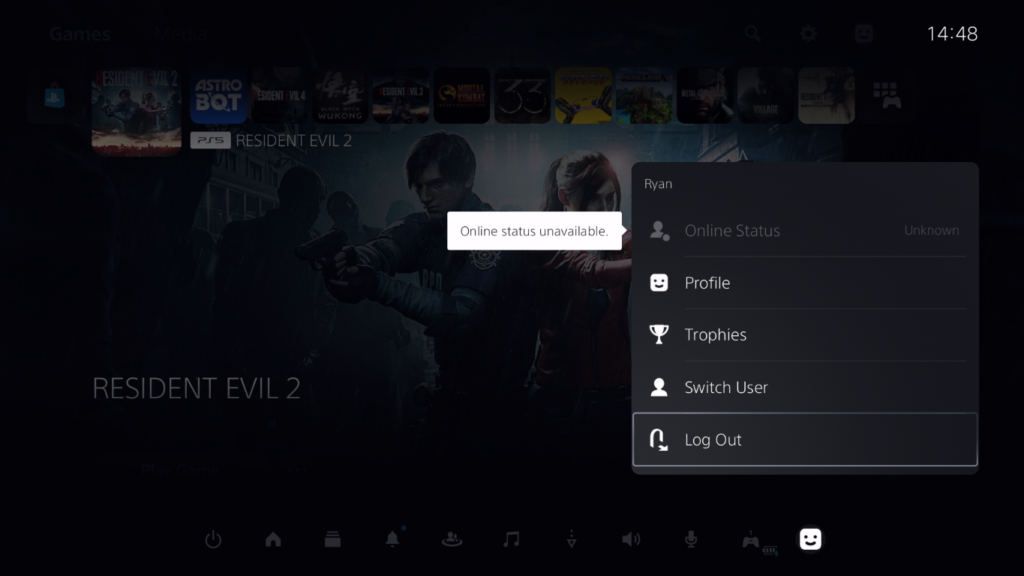
Next, choose Log Out.
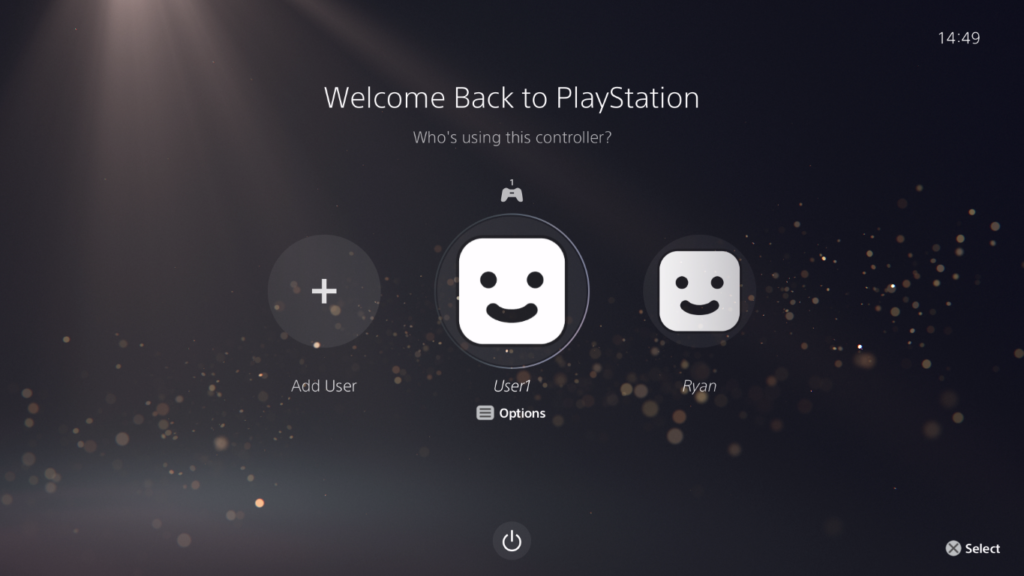
At the welcome screen, highlight any user and press the options button on your controller.
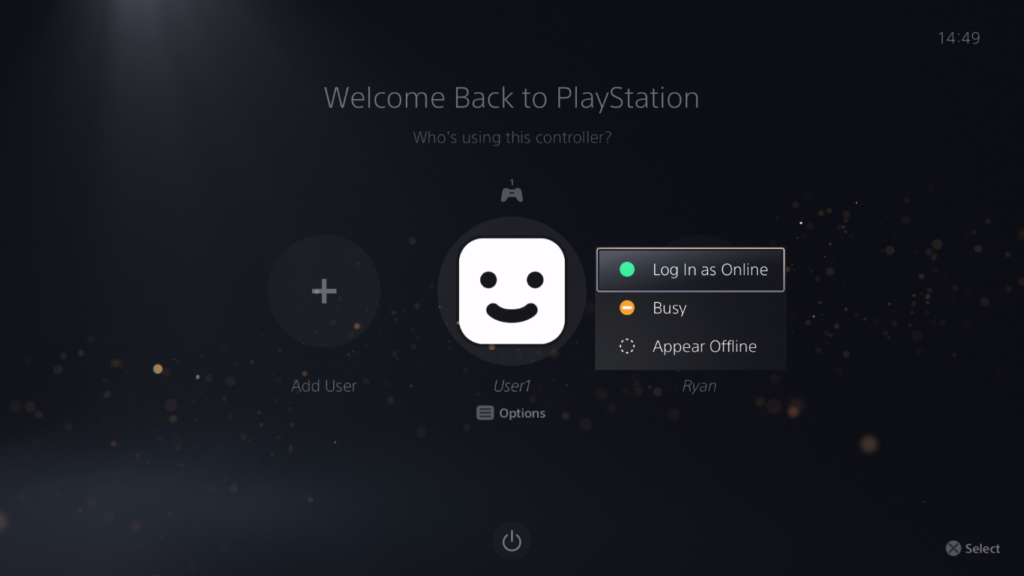
A menu should appear to toggle the online status for this user account, this means this account has been PSN activated in the past. If you don’t the options menu or online status toggle it means this is a regular offline account.
In this blog post I demonstrated how you can check for a PSN activated account on your PS5, which is an important requirement for some jailbreak methods. Check out our PS5 Jailbreaking Service if you’d like to find out more.
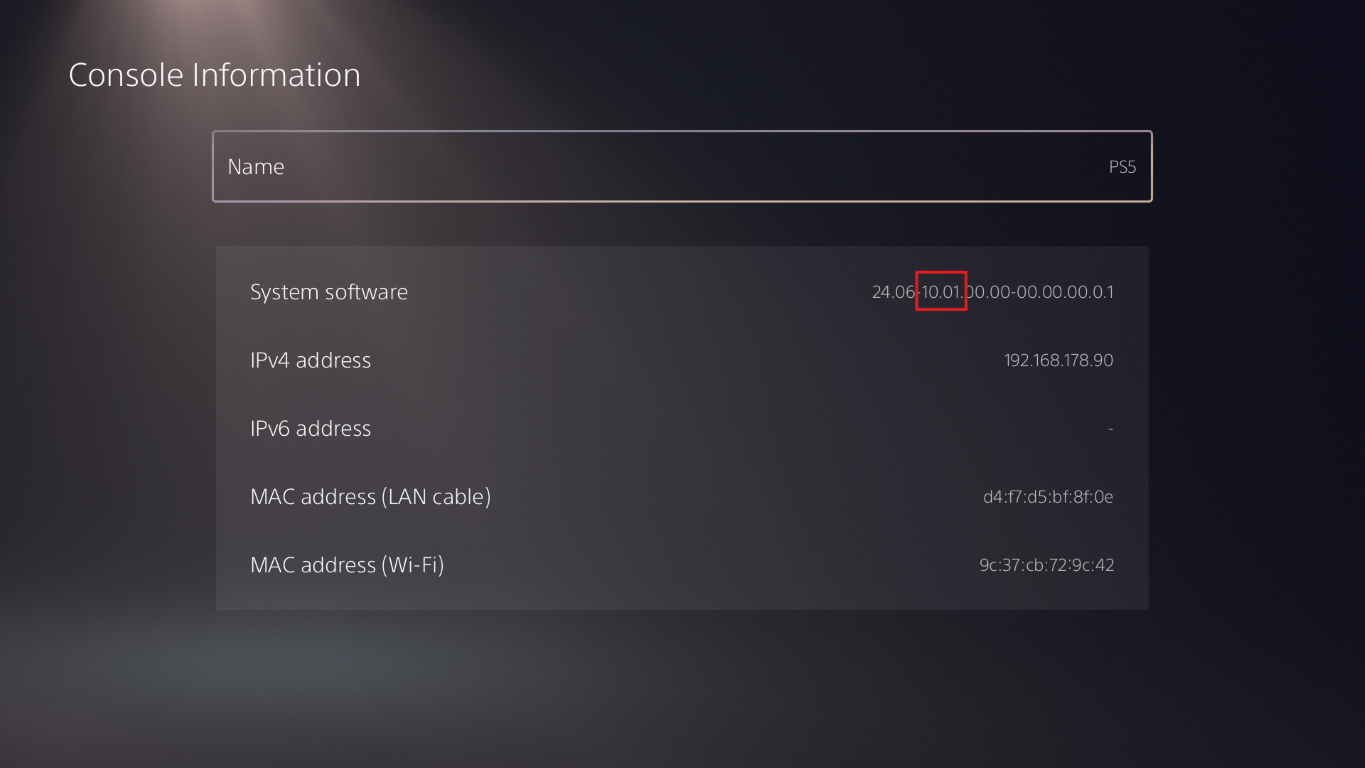
Checking your PS5 system software version is an important prerequisite for determining if your PS5 is eligible for jailbreak. Watch our video or read this short guide and we’ll show you step by step how to check your system software version.
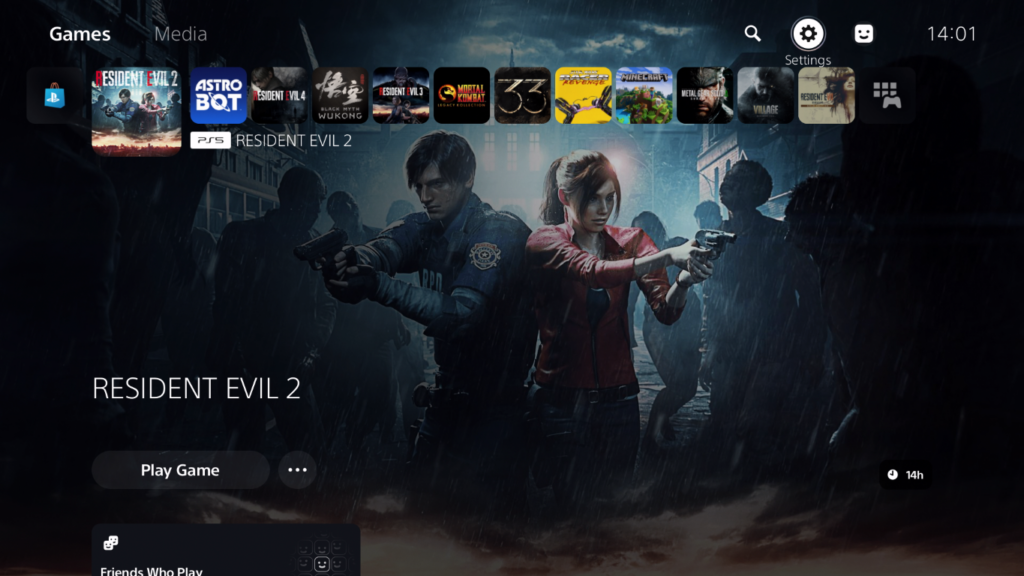
From the dashboard, choose Settings in the top-right corner.
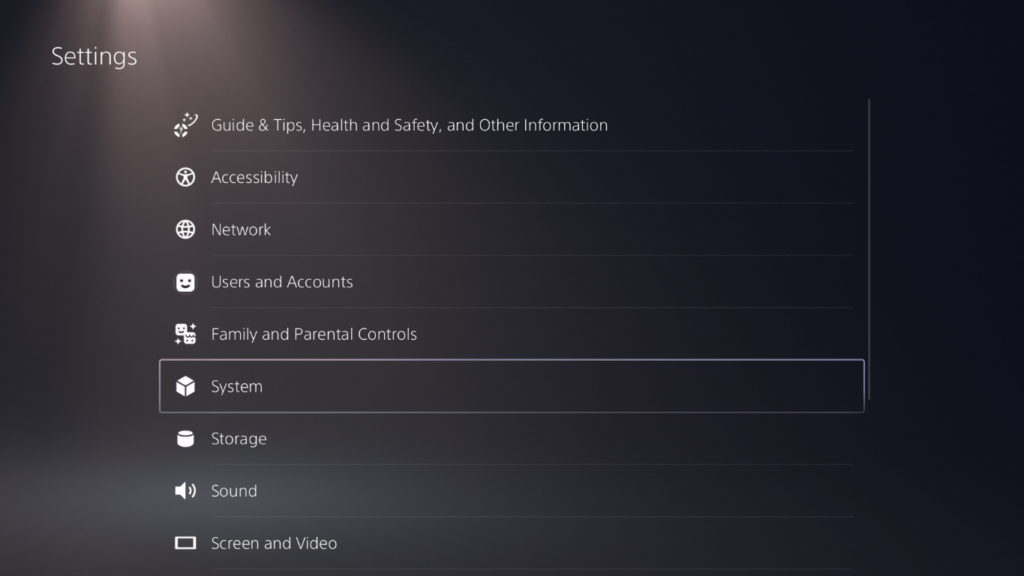
In the next menu choose System.
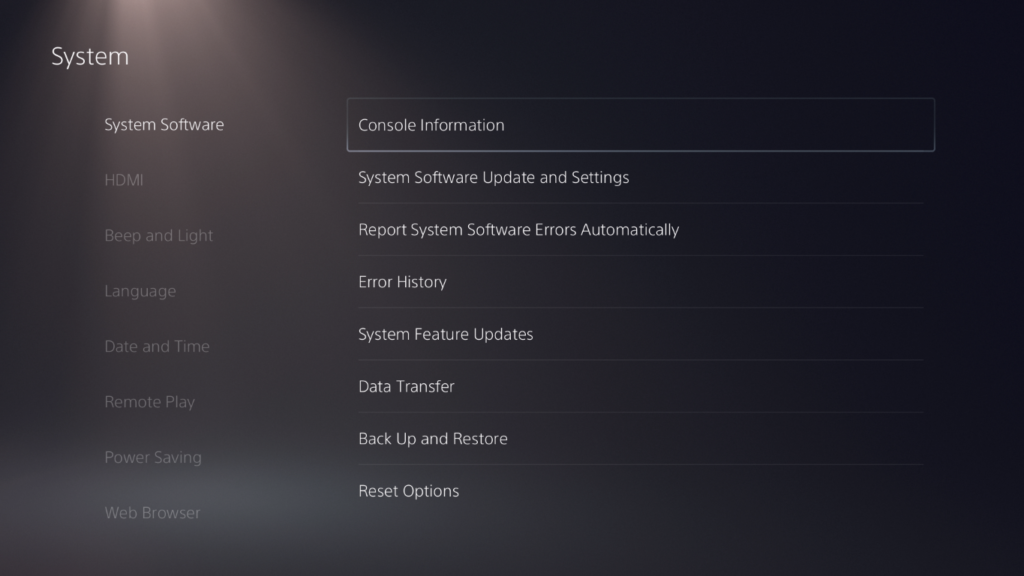
Next choose System Software and then Console Information.
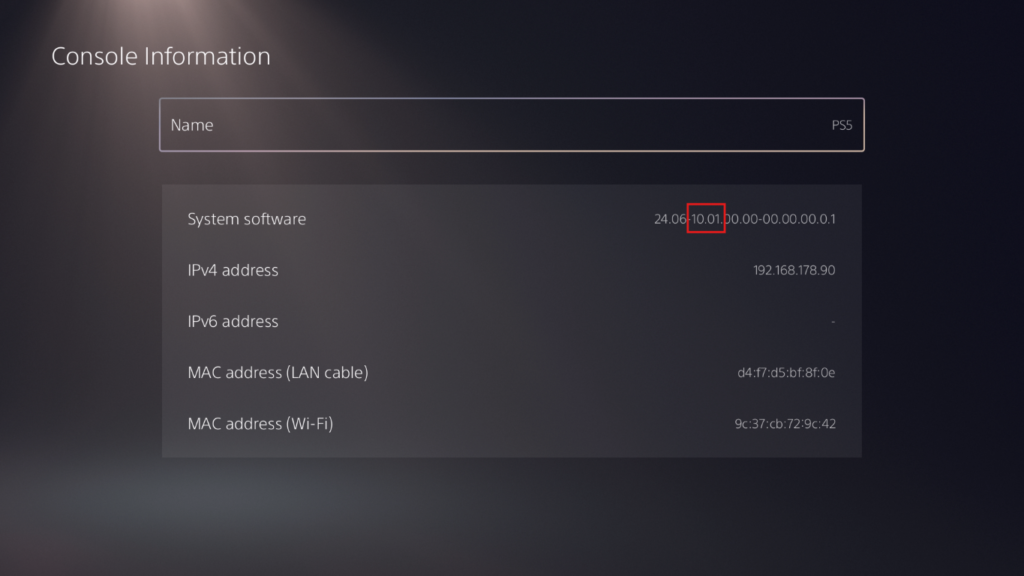
On this screen you’ll find your PS5 system software version, in my case the system software version is 10.01 which is eligible for YTJB or Netflix-N-Hack jailbreak.
If you’re interested in having your PS5 jailbroken take a look at our PS5 Jailbreaking Service.